


Email signatures seem simple—until you need to update them across an entire company.
A title change happens.
A phone number changes.
A new marketing banner needs to go out.
A legal disclaimer needs to be added.
Suddenly someone is chasing down ten, twenty, or fifty people asking them to update their signatures manually. Different devices format things differently. Branding drifts. Old information lingers in email threads for months.
It’s a small operational issue that quietly creates a lot of friction.
Why Email Signature Management Becomes a Problem
Most organizations handle signatures individually. Each employee manages their own settings in Outlook or their email client.
That creates a few common challenges:
Branding becomes inconsistent
Updates require manual effort from every employee
Marketing banners or announcements are difficult to deploy
Signatures behave differently across desktop, web, and mobile
Legal disclaimers are hard to enforce consistently
For companies trying to maintain a professional brand presence, this becomes an ongoing maintenance task.
Our New Partnership with CodeTwo
To help solve this, inWorks LLC is now an official partner of CodeTwo.
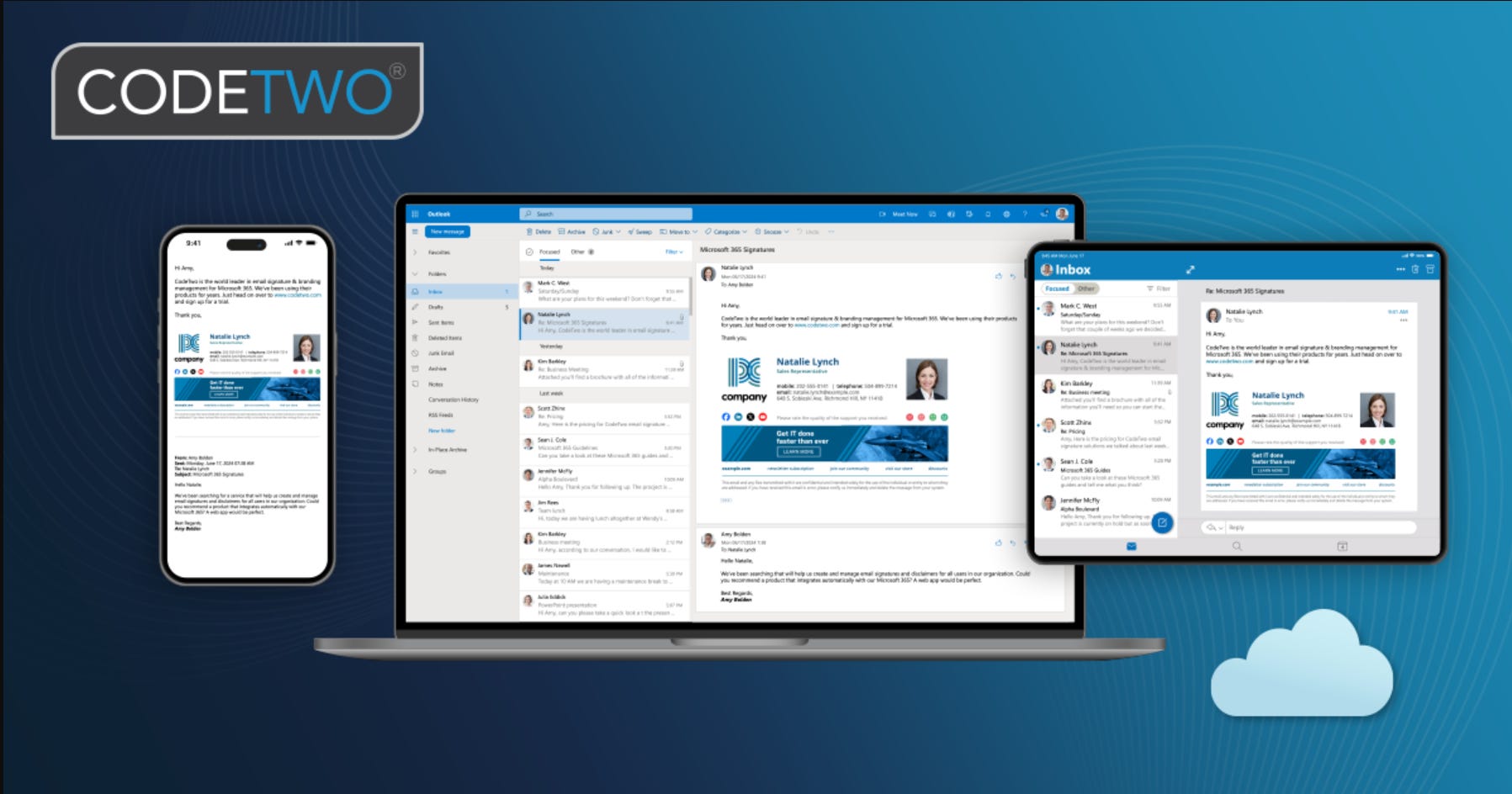
CodeTwo provides a centralized email signature management platform designed specifically for Microsoft 365 environments.
The solution — CodeTwo Email Signatures for Microsoft 365 — allows organizations to manage signatures in one place and automatically apply them to outgoing email.
No manual updates required from individual employees.
What This Means for Businesses Using Microsoft 365
With CodeTwo in place, organizations gain:
Centralized signature management
Update signatures once and apply changes across the entire company.
Consistent branding
Every email sent from your organization reflects the same formatting, contact information, and visual identity.
Automatic marketing banners
Promote events, announcements, or services directly in your email signature.
Reliable cross-device formatting
Signatures remain consistent across Outlook desktop, Outlook web, and mobile devices.
Server-side signature application
Signatures can be applied automatically within Microsoft 365, ensuring consistency even when emails are sent from mobile devices or third-party clients.
Why We’re Offering This to Our Clients
At inWorks, we focus on operational improvements that remove small but persistent sources of friction for businesses.
Email signatures are a perfect example.
They represent your brand in every conversation your team has. A centralized system protects that brand presence while saving time on administrative updates.
Through our partnership with CodeTwo, we can now help clients:
Plan their signature structure
Deploy the system within Microsoft 365
Design branded templates
Manage updates moving forward
Interested in Exploring It?
If your organization currently manages email signatures manually, this solution can simplify the process and create a more consistent brand experience.
We’re happy to walk through how it works and whether it makes sense for your environment.

Learn more about how inWorks LLC brings structure, clarity, and dependable business operations solutions oversight to organizations of all sizes through our partnerships with other platforms
📞 Call 267-857-8066 to start the conversation about using CodeTwo as a email signature builder, company image aligner, or a marketing tool.
For ongoing insights on best practices, non-traditional marketing tools, and building sustainable business systems, follow inWorks LLC on LinkedIn for practical guidance designed for founders, operators, and leadership teams.